
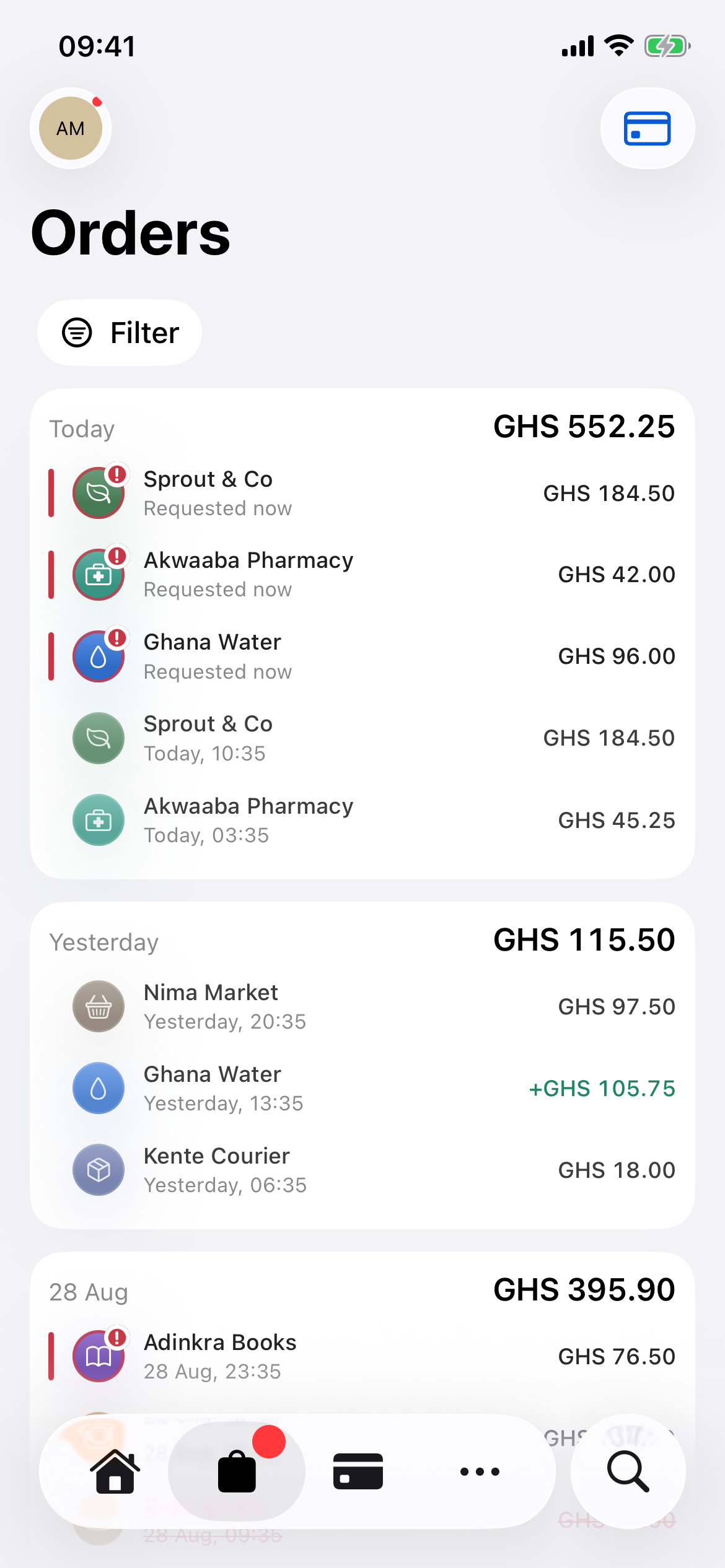
Bought it?
Find it here.
All your connected orders. One place.
Scan. Review. Pay.
Get on with your day.
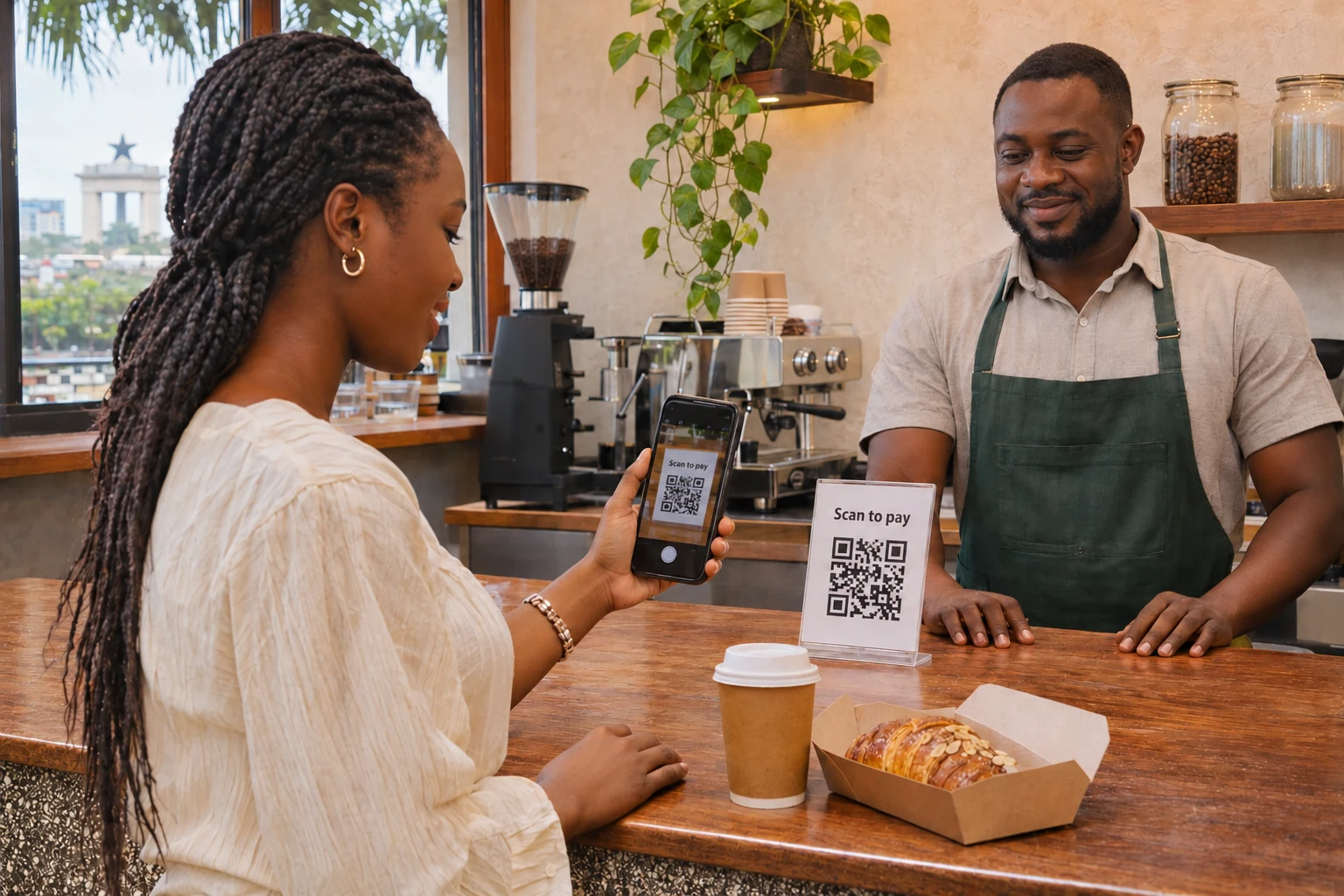
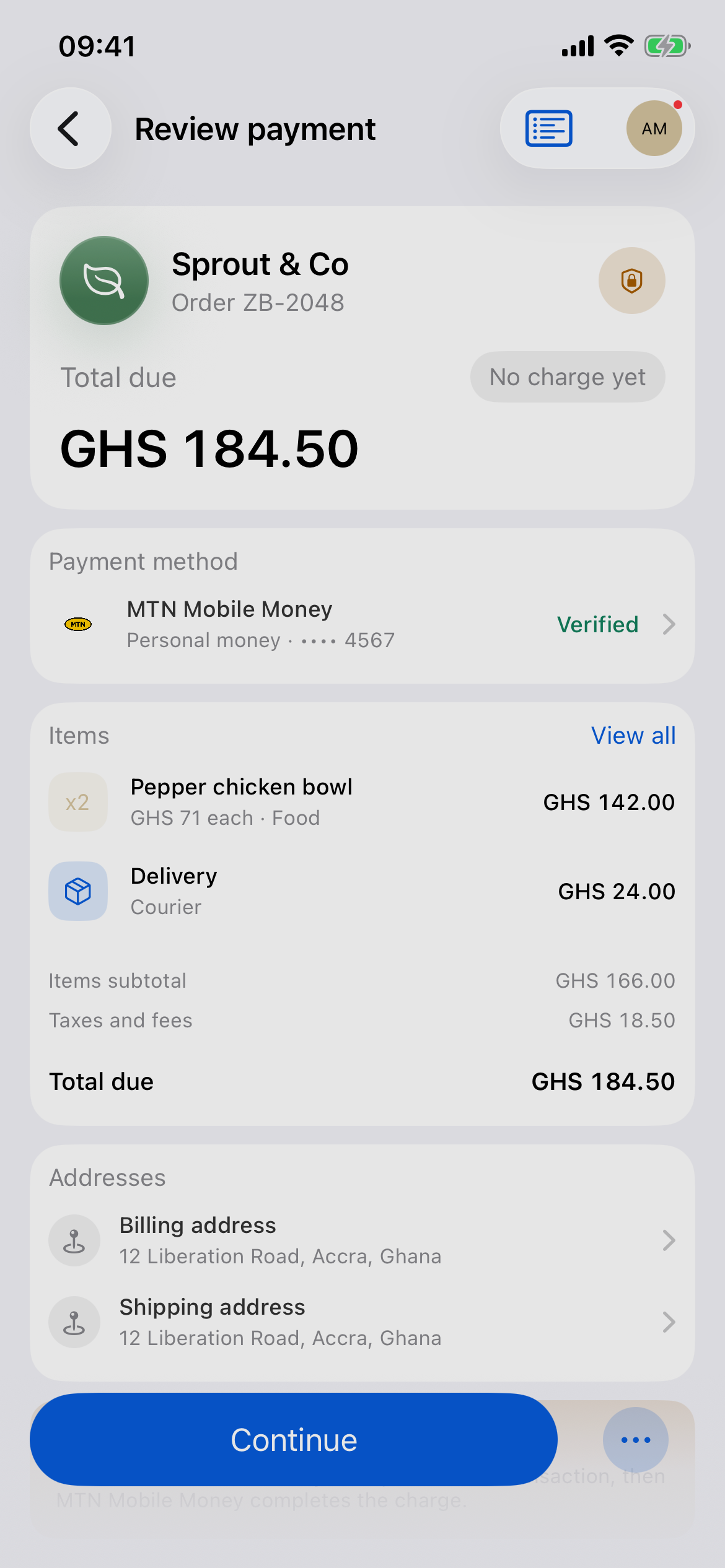
At participating Inttegro shops and buy links.
Add it once. Verify it. It’s ready for your next checkout.
 MTN Mobile Money
 Telecel Cash
 AirtelTigo Money
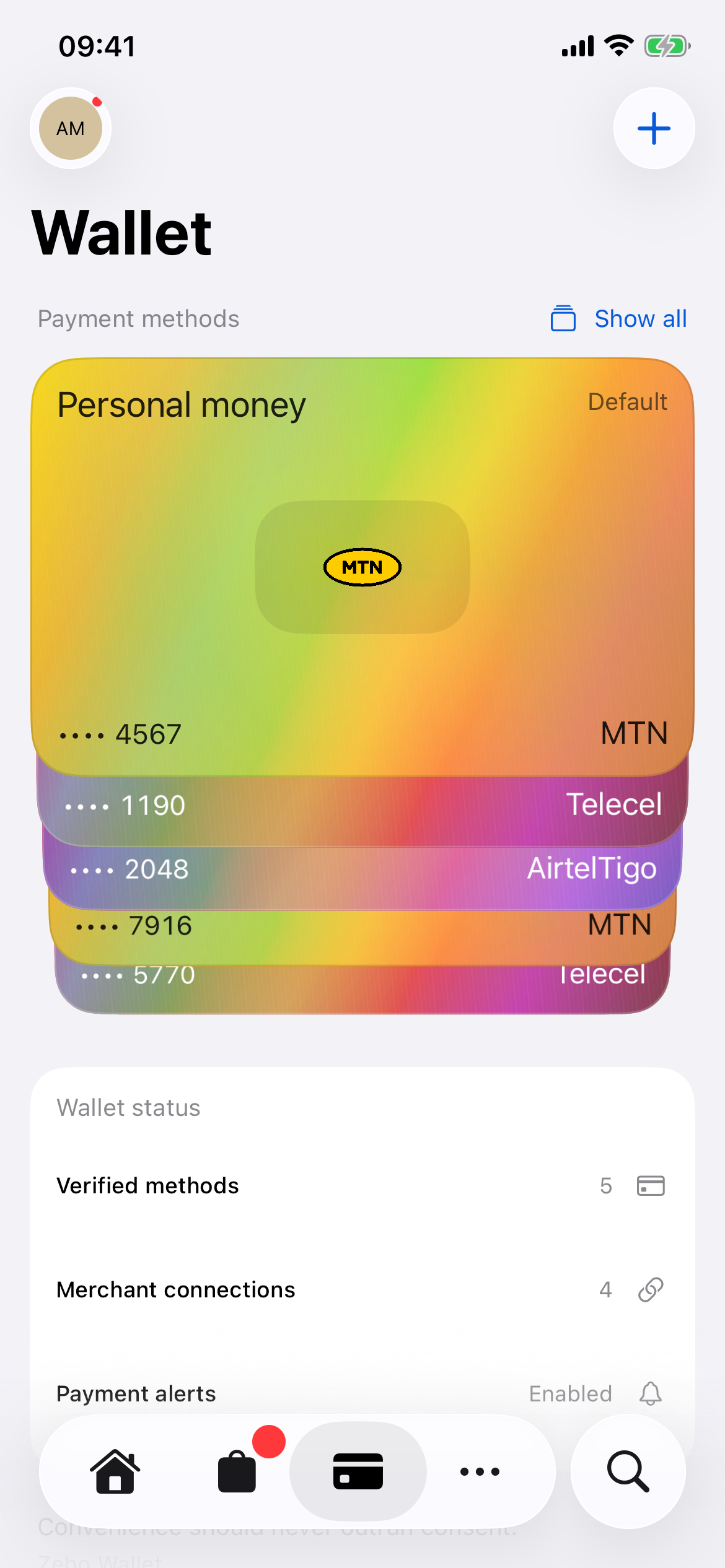
Scroll to explore 4 Wallet benefits. Use the left and right arrow keys, or Home and End.
All your connected orders. One place.
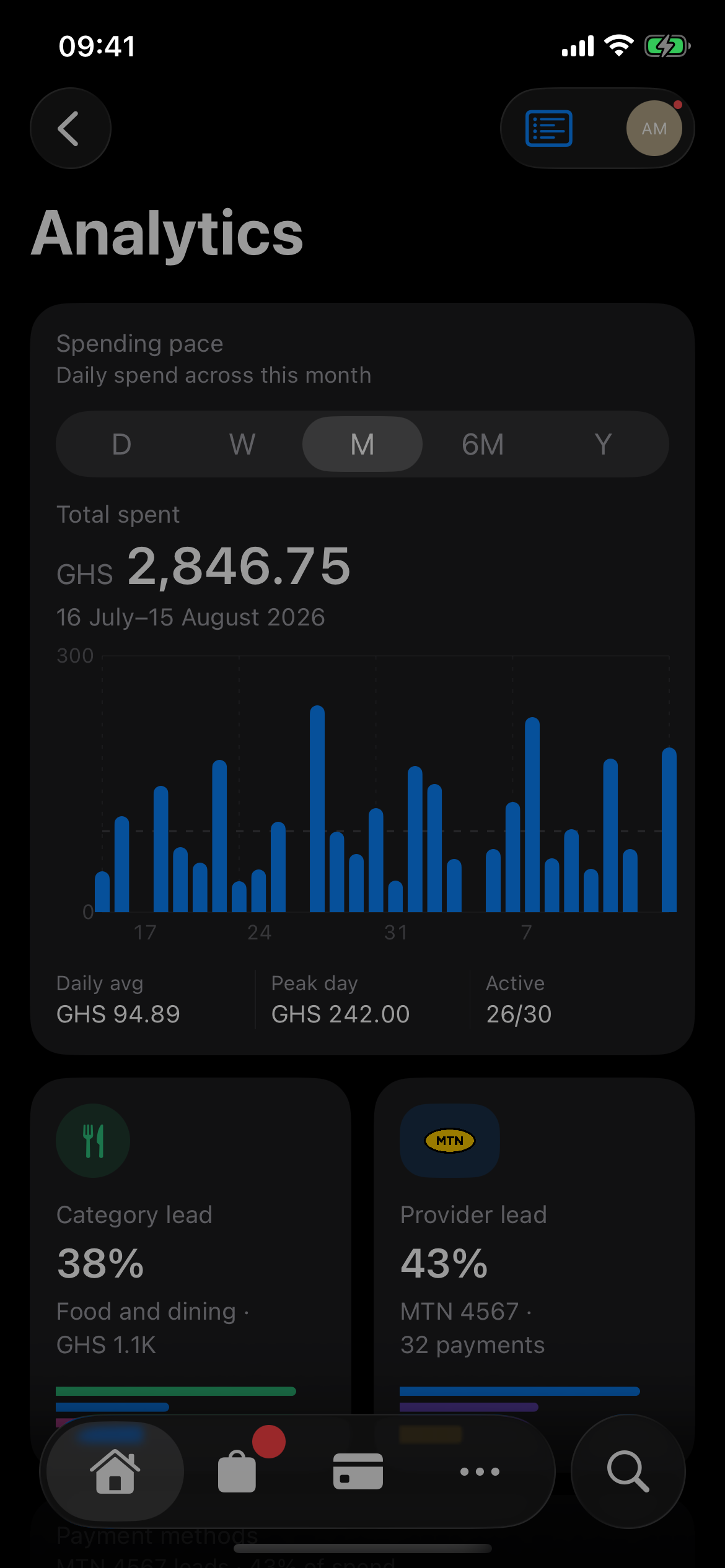
Your connected purchases, in perspective.
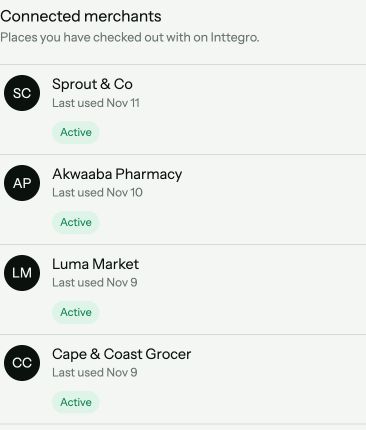
Your shops and shared details, together.
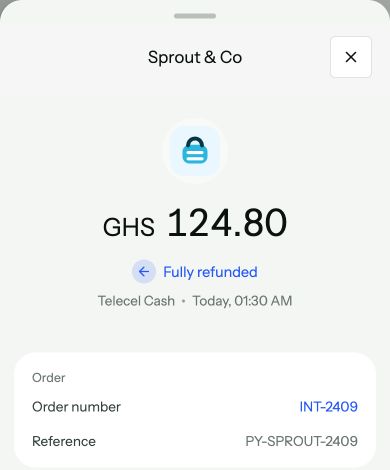
Refunds stay with the original purchase.
Real app. Example data.
At participating Inttegro shops and buy links. Look for Wallet at checkout—not every shop or QR code accepts it.
Yes. Creating a Wallet is free.
No. Add and verify your existing MTN Mobile Money, Telecel Cash or AirtelTigo Money account.
Yes. Choose what to share and disconnect shops anytime. Past order records remain.

Sign up. Add your MoMo. You’re ready.